
How to Use the HelpSite Status Page
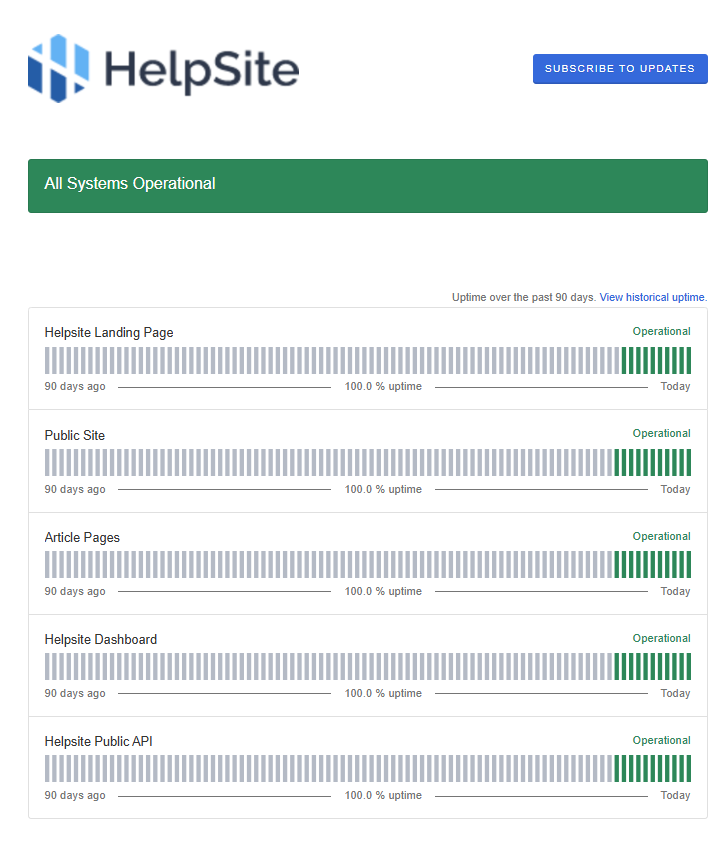
The HelpSite Status Page gives you a live view of system health across HelpSite. Use it to check for active incidents, follow resolution progress, and subscribe to email updates so you are notified when something changes.
You can visit the Status Page here: https://helpsite.statuspage.io/
What you can do on the Status Page
With the HelpSite Status Page, you can:
View real-time incident reports as they happen
Check the current status of HelpSite systems
Track incident resolution progress
Subscribe to email alerts for status updates
Why use the Status Page?
The Status Page helps you stay informed about service health without needing to contact support first. When an outage or incident occurs, updates will be posted there in real time so you can see what is happening and how it is being addressed.
How to subscribe to updates
Click Subscribe to Updates
Enter your email address
Confirm your subscription if prompted
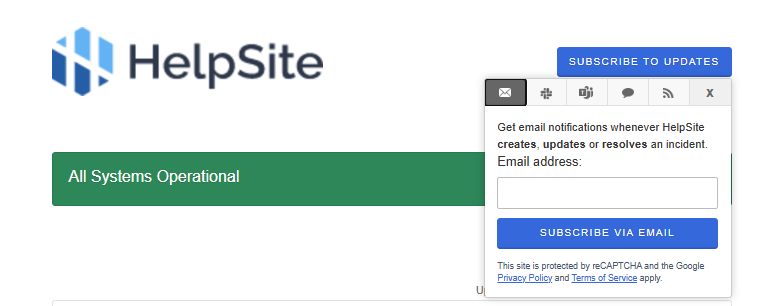
Once subscribed, you will receive email alerts when incidents are reported or updated.
When to check the Status Page
Check the Status Page if you notice:
HelpSite is loading slowly
A page or feature is not working as expected
You are unable to access your HelpSite account
Customers are reporting issues with your HelpSite
The Status Page is the best place to get timely updates about system availability and incident resolution.