
How to disable your AI Chatbot
Turn off the AI Chatbot on your HelpSite
If you don't want the AI Chatbot to appear on your HelpSite, you can turn it off at any time from Customize site.
This guide shows you how.
Step 1: Go to Customize site
From your HelpSite dashboard, go to Customize site.
Step 2: Select AI
There, select AI to open your AI Chatbot settings.
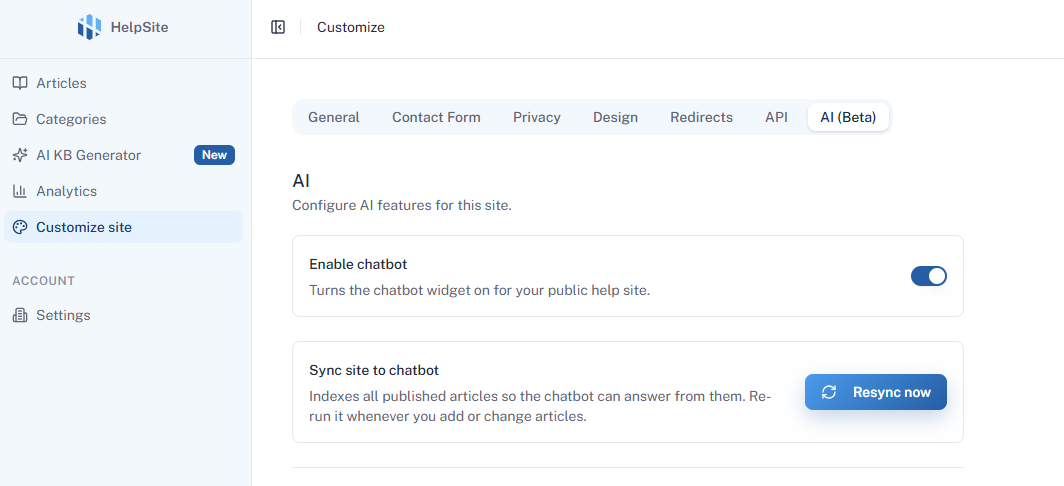
Step 3: Disable the chatbot
Find Enable Chatbot and toggle it off.
Once disabled, the AI Chatbot will no longer appear on your HelpSite.
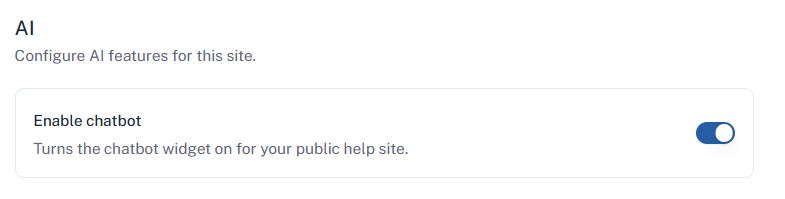
Want to turn it back on?
You can enable the chatbot again at any time by returning to Customize site > AI and turning on Enable Chatbot.