
How to change text in your HelpSite template
To change text in your HelpSite template — such as the "Support Center" heading, the page title, or breadcrumb labels — edit the Main Layout in Customize site > Layout & HTML.
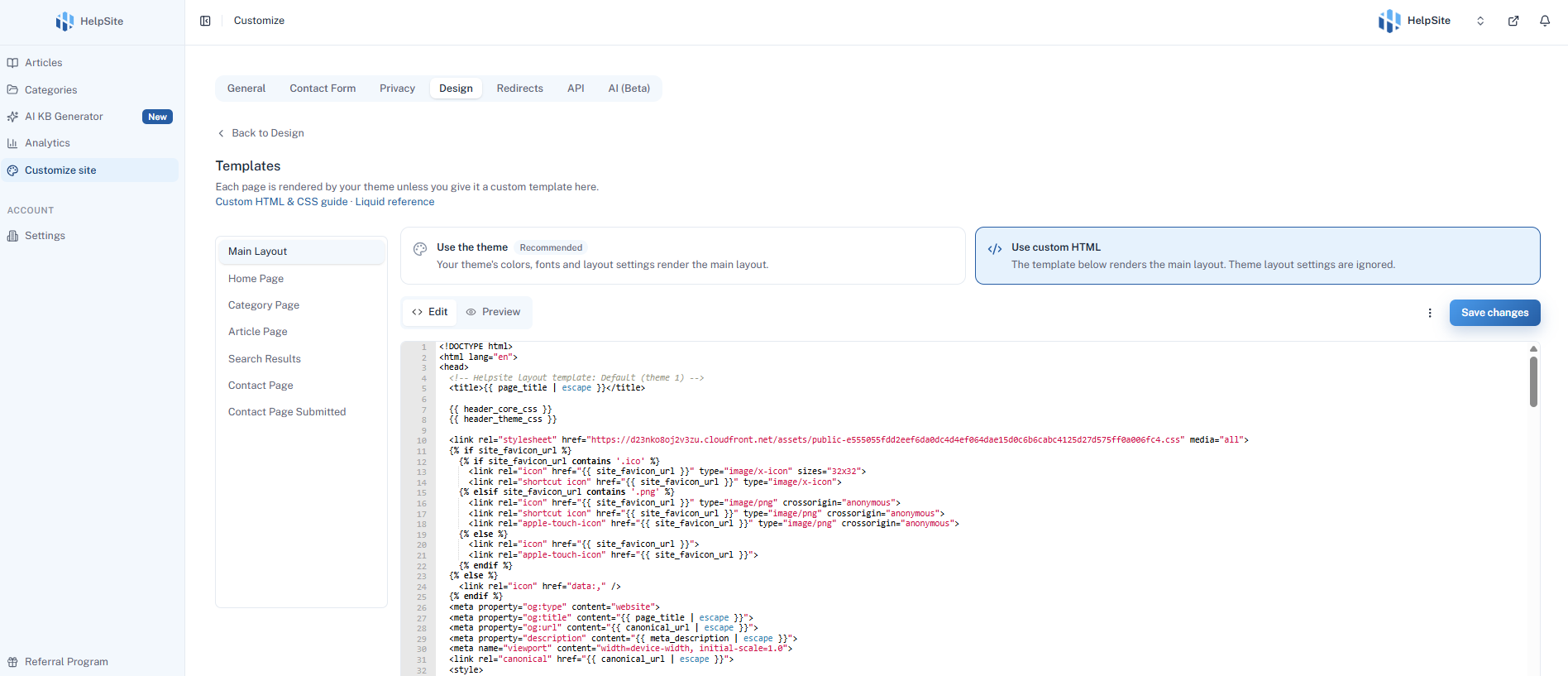
Changing the page title
The <title> tag (displayed in your browser tab) can be changed by adding this snippet to your Main Layout:
{% if on_home_page %}  <title>{{ site_title | escape }} - Frequently Asked Questions</title>
{% else %}
  <title>{{ page_title | escape }}</title>
{% endif %}
Changing breadcrumb text
To change the first word of the breadcrumbs ("Support"), replace {{ breadcrumbs }} in your Main Layout with something like:
{{ breadcrumbs | replace: 'Support', 'YOUR_TEXT_HERE' }}If you have any trouble, get in touch.