
How article ratings work
Article ratings let visitors tell you whether an article helped. A "Was this article helpful?" prompt with Yes and No buttons appears at the end of each published article, and the results show in Analytics.
What do visitors see?
Below the article, visitors see the question, the two buttons and a running tally such as "86% helpful · 14 votes", or "No votes yet". Voting needs no login, and votes are anonymous.

How does voting work?
- Each browser gets one vote per article. HelpSite recognizes the browser by an ID it keeps in the browser's storage, so a visitor who clears it, or switches browser or device, can vote again.
- A visitor can change their vote by clicking the other button. A vote can't be taken back.
- Votes stay with the article when you edit it.
Where do I see the results?
In the sidebar, click Analytics. On the Overview tab:
- Helpful rating shows the share of all votes that were thumbs up.
- Needs attention lists well-read articles that visitors rate unhelpful.
- Article performance shows each article's Helpful percentage and its Positive and Negative votes.
See Use the Analytics dashboard for the rest of the dashboard.
How do I turn article ratings off or on?
- In the sidebar, click Customize site. The General tab opens.
- Scroll to Site behavior.
- Turn Article Ratings off or on.
- Click Update Site.
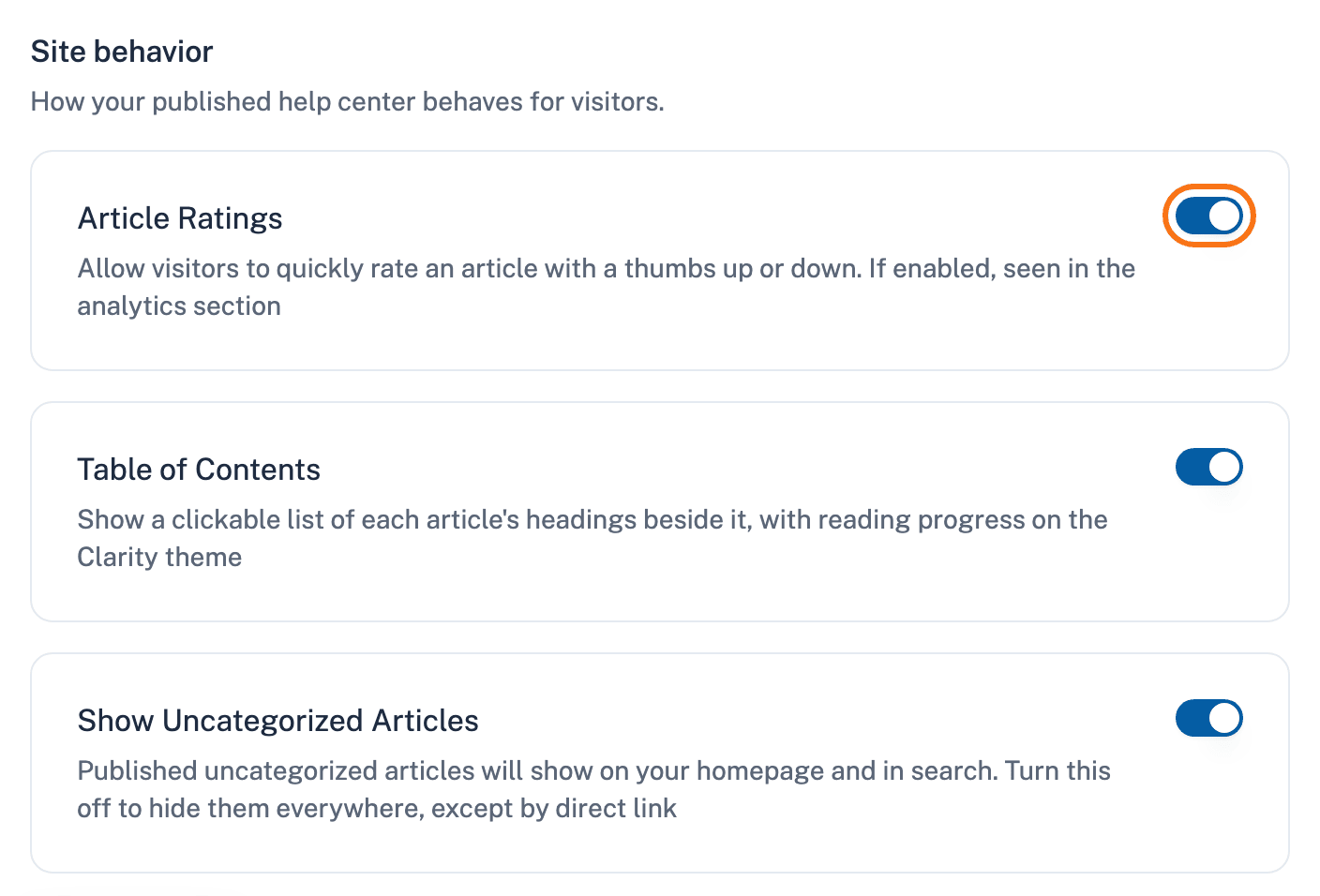
Ratings are on for new sites. Turning them off removes the prompt from every article on that site. Votes already given are kept.