
Set your timezone
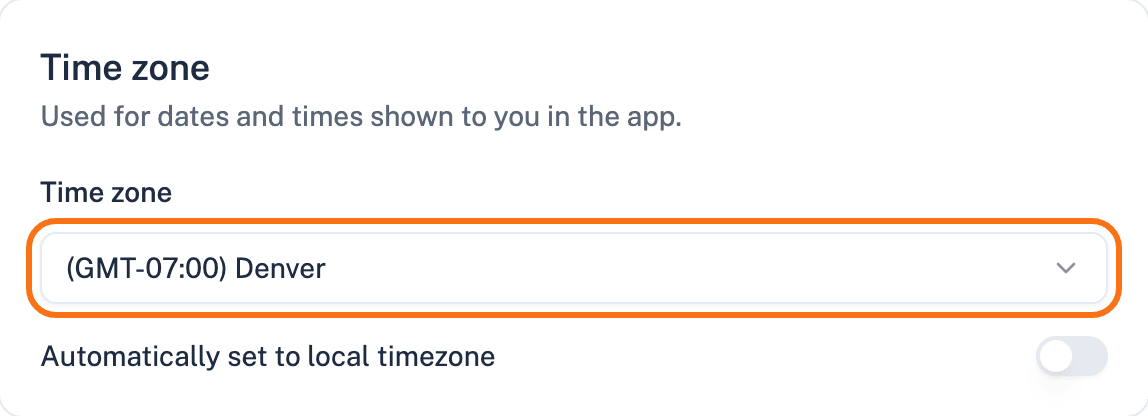
Your time zone sets how HelpSite shows dates and times to you in the app, such as when an article was last saved. Each team member sets their own in Settings > My Account > Time zone.
How do I set my time zone?
- In the sidebar, click Settings. It opens on the My Account tab. You can also click your name at the bottom of the sidebar, then My Account.
- Scroll to Time zone.
- To choose a zone yourself, turn off Automatically set to local timezone, then select your zone in the Time zone list.
- To use your device's time zone instead, turn Automatically set to local timezone on.
HelpSite saves the change as soon as you make it and shows "Time zone preference updated." There's no Save button.
Does the automatic setting follow me when I travel?
The automatic setting uses the time zone your device has when you turn it on. If you move to another time zone, turn Automatically set to local timezone off and on again, or select the zone in the list.