
Reset a forgotten password
If you've forgotten your HelpSite password, request a reset link from the sign-in page and choose a new password. The link in the reset email works for 6 hours.
How do I reset my password?
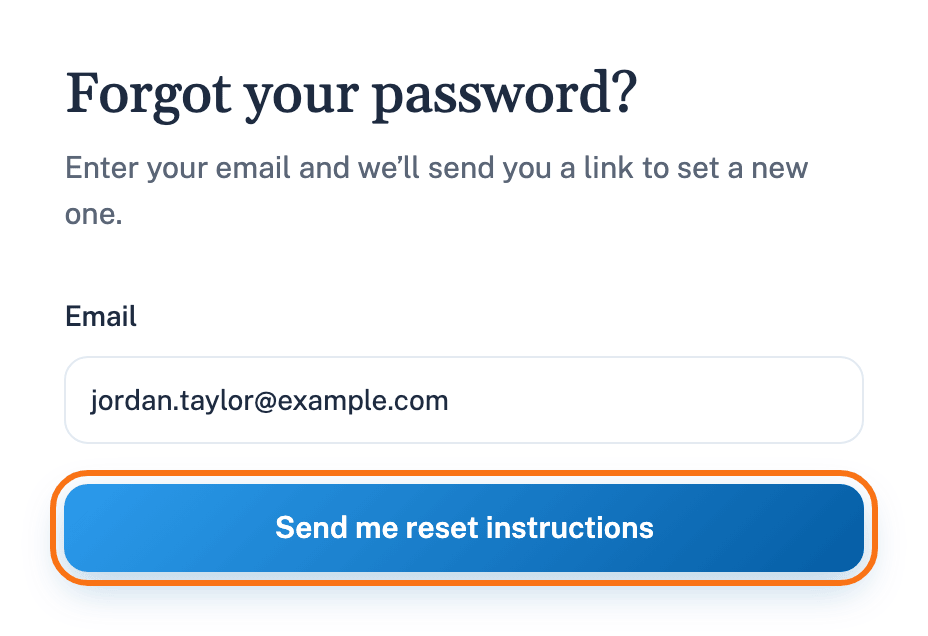
- On the HelpSite sign-in page, click Forgot your password? next to the Password field.
- Enter your email and click Send me reset instructions.
- Open the email from HelpSite and click Change my password.
- Enter a new password of at least 8 characters in New password and again in Confirm new password.
- Click Change my password.
HelpSite shows "Your password was changed successfully." From now on, log in with the new password.
What if the reset email doesn't arrive?
- Check your spam or junk folder for an email with the subject "Reset password instructions".
- Make sure you entered the email you log in with. For privacy, HelpSite doesn't say whether an address has an account, so a typo looks the same as a sent email.
- If the link is more than 6 hours old, request a new one.
What if I don't remember which email I used?
Request a reset for each address you might have used. Only the address with a HelpSite account gets an email.
What if I never set a password?
If you signed up with only your email, the sign-in page shows Email me a sign-in link after you enter your email. Click it and use the link in the email to log in. You can choose a password later, as described in Change your name, email or password.
What if I'm trying to open a password-protected help center?
Some help centers built with HelpSite ask visitors for a shared password. HelpSite can't give out that password. Ask the company that runs the help center.
Still can't log in?
Contact us and include the address of your help center, if you have one.